Apple Vision Pro owners
A purpose-built way to browse and watch NAS-hosted 2D, 3D, VR180, 360, and Apple Immersive videos on Vision Pro.
NAS Media Viewer is a modern video browser and player for people with serious personal libraries — from regular movies and shows to huge 3D, VR180, 360, and Apple Immersive video files stored on a NAS or home server.
Plex and Jellyfin are great at organizing and serving your files. NAS Media Viewer focuses on the viewing experience Apple users still struggle with: browsing folders while something is playing, jumping into VR formats, shuffling huge folders, downloading for offline viewing, and getting high-resolution files to play reliably on mobile hardware.
A purpose-built way to browse and watch NAS-hosted 2D, 3D, VR180, 360, and Apple Immersive videos on Vision Pro.
Keep your server. Upgrade the player with favorites, recents, shuffle, search, downloads, themes, and mobile-friendly playback.
Connect through SMB or local folders when you want direct access to your own folder structure without rebuilding your library.
Store huge Insta360-style footage at home and actually watch it across Apple devices without relying on a camera app cloud subscription.
Designed for personal media libraries. Browse folders, launch immersive formats, control playback on your TV, and use Jellyfin or Plex transcoding to make demanding high-resolution files actually playable on mobile devices.
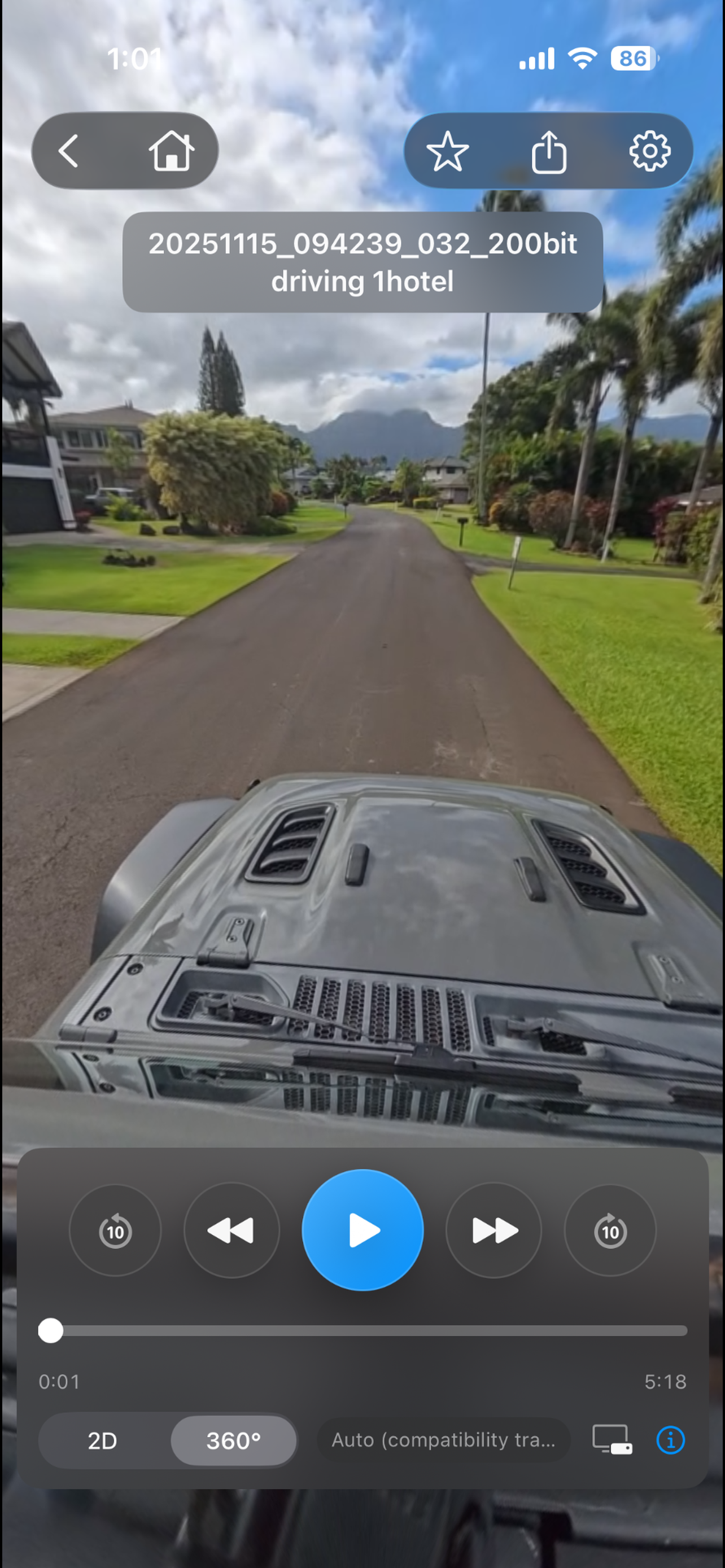
Watch regular 2D videos, or jump into 3D, VR180, 360, and downloaded Apple Immersive Video files with a player built for media enthusiasts.
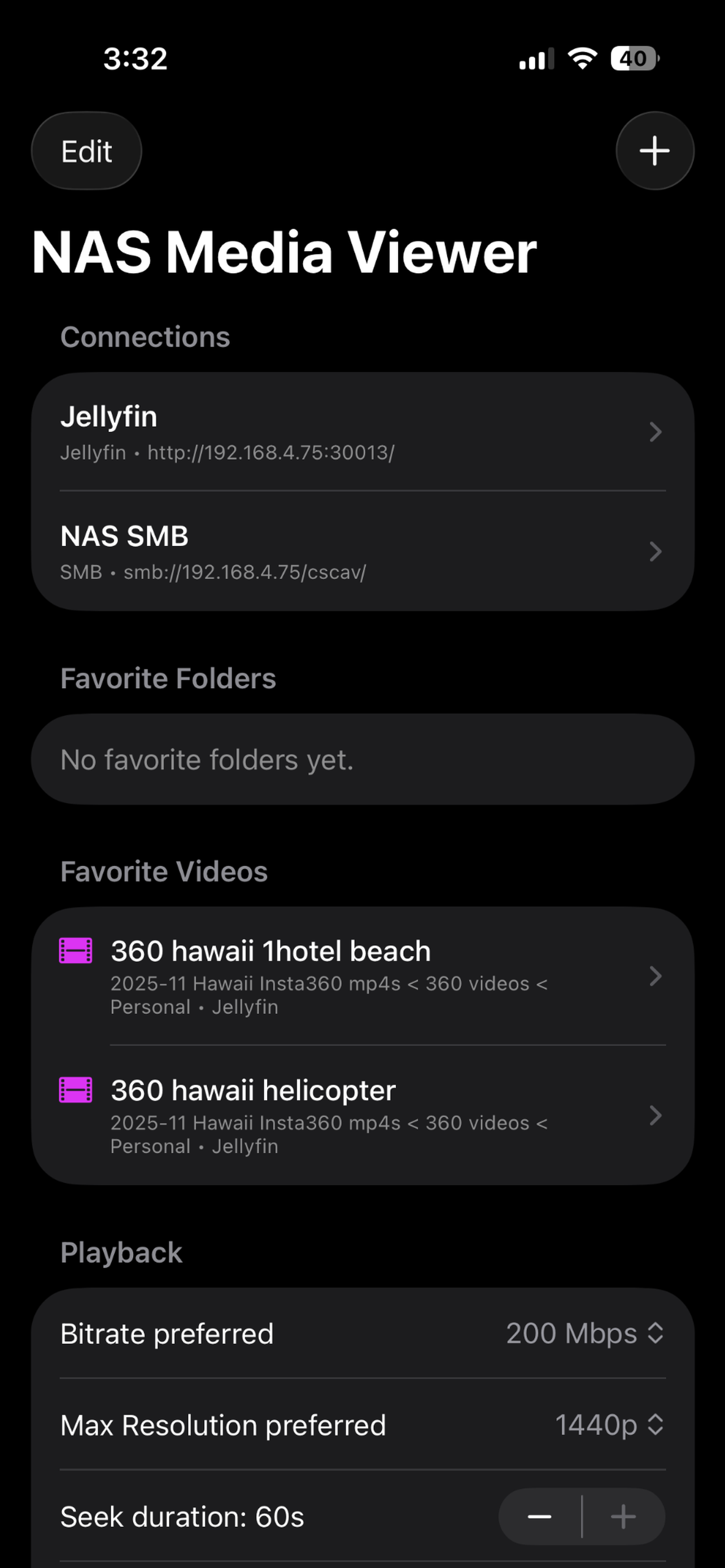
Connect the way your library already works. Jellyfin is recommended, Plex is supported, SMB is great for direct folder browsing, and local folders work on supported platforms.
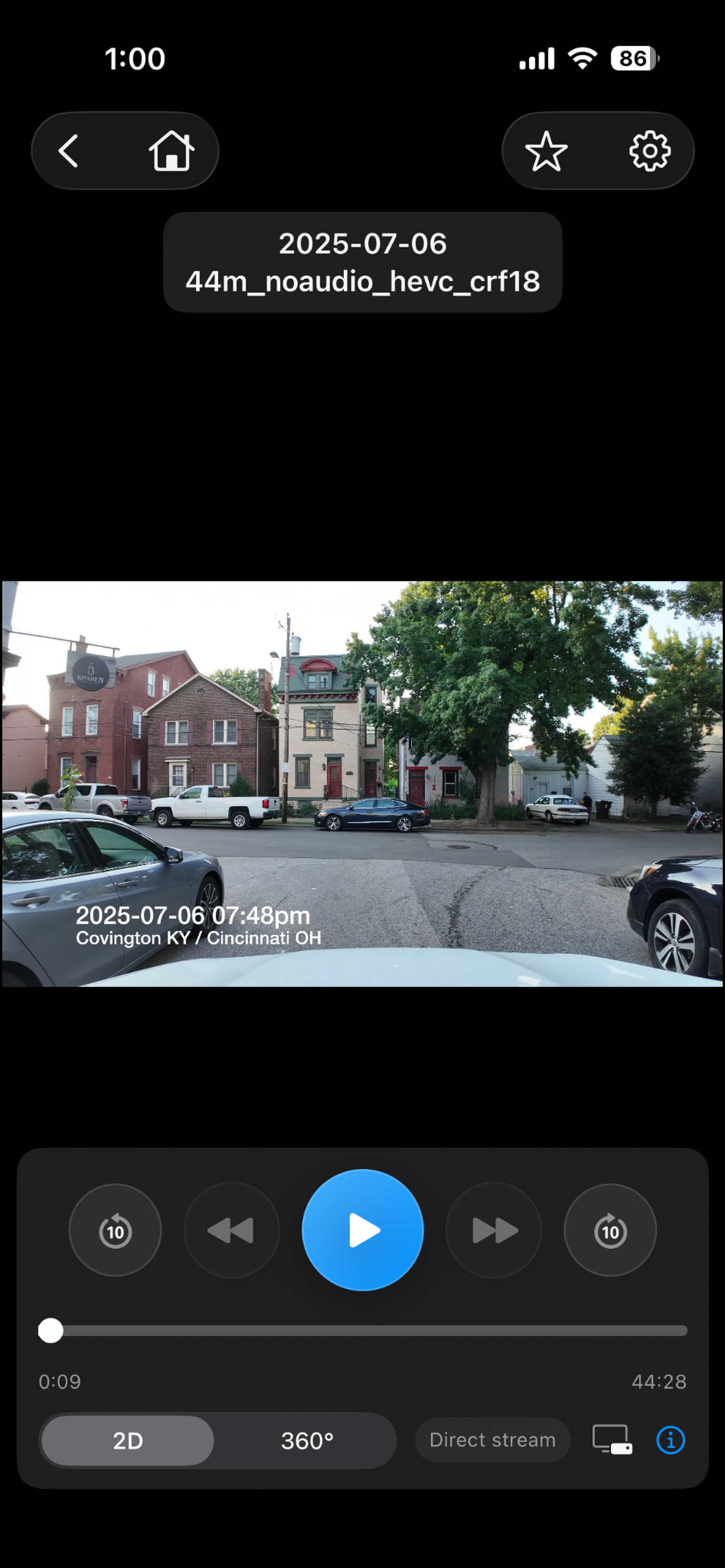
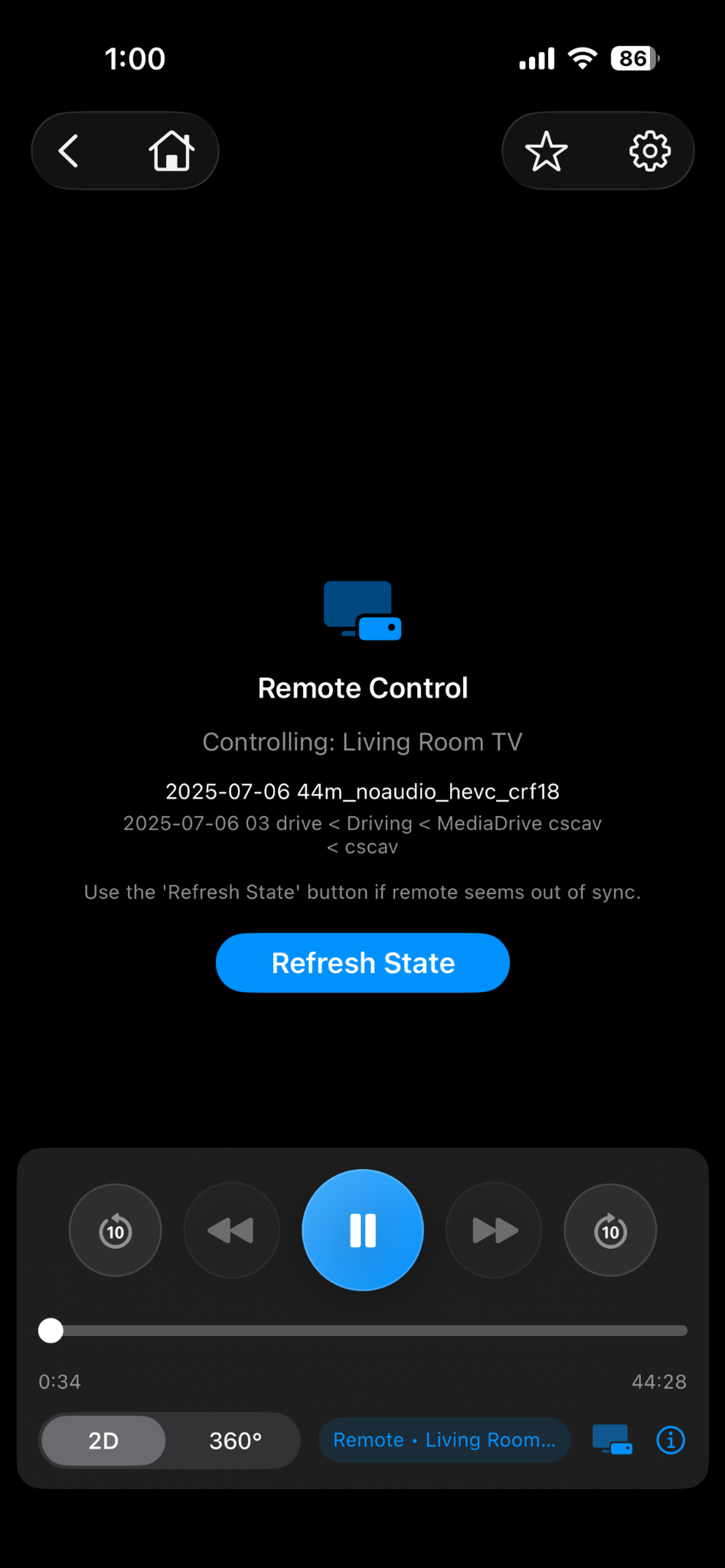
Control Jellyfin playback on your TV from your phone, with state refresh and a purpose-built remote experience for your personal setup.
Download videos to watch later without staying connected to your server, then keep browsing the rest of your library.
Keep playback going while you search, browse folders, favorite items, or pick what to play next.
Custom themes, favorites, recently played, lockable connections, exclusion filters, and shuffle for folders or search results.
All connection types are useful, but server-backed connections unlock the smoothest experience.
Getting started is simpler than most people expect. Install Jellyfin on your NAS, give it access to the folders you want, create a user account, and sign in through NAS Media Viewer.
You do not need a heavily customized Jellyfin setup just to use the app. A minimal install is enough for the app's advanced features.
Get the appClean, dark, and purpose-built for browsing serious personal libraries without feeling like a clunky file utility.
Let me know if you have a question not covered here.
No. Think of NAS Media Viewer as a specialized Apple-first player and browser that connects to your existing Plex, Jellyfin, SMB, or local library.
SMB gives you direct folder browsing. Jellyfin and Plex add server features like search and transcoding. Jellyfin is the recommended connection type for the most complete experience.
Many VR180 and 360 videos are extremely high resolution. If a file fails over SMB, try Jellyfin or Plex so the server can transcode it into a format your device can render.
Refer to Jellyfin's Synology guide: jellyfin.org/docs/general/installation/advanced/synology/
The App Store privacy label says the developer does not collect data from this app. Your media stays in your own library.
Set up a connection, start watching, and make sure it works with your server before committing. Need help with setup or playback? Contact chris@jellylabs.dev.